E Commerce Art Store

Hostinger Pro's
Very Easy to Use. Great for anyone wanting to manage their website's future changes themselves.
Extremely cost-effective, especially for e-commerce functions
Free Domain
Free SEO Support
Get to choose between using WordPress to build/manage a website or Hostinger's web builder
Hostinger Cons
Some Design Limitations
Limited Integrations
Limited Website Reporting Information
WordPress: More technical, may be harder to learn/manage a website on your own.
Created with Hostinger
It All Started with a Sketch
The main goal of the website is to sell art. The artist creates many forms of their art ie, prints, jewelry, etc
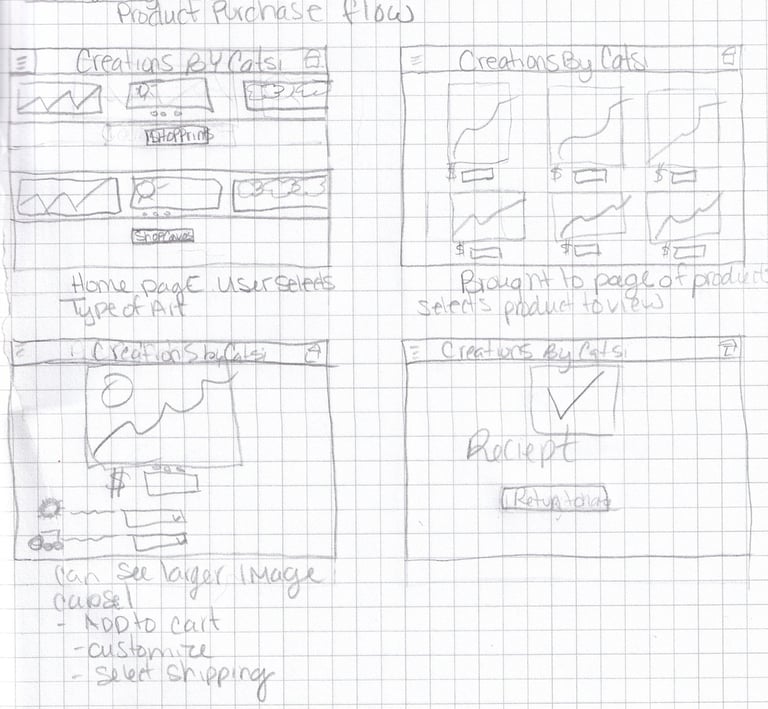
Streamlined purchase flow from the home page, users can select the kind of art they are looking for, and then are taken to a page with the different variations.
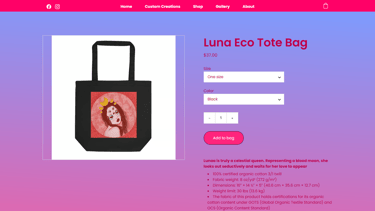
Product image can be enlarged so the shopper can see details. Then they can add to the card, customize if applicable, and select their shipping speed before being brought to the receipt of purchase screen.
Planning the Website
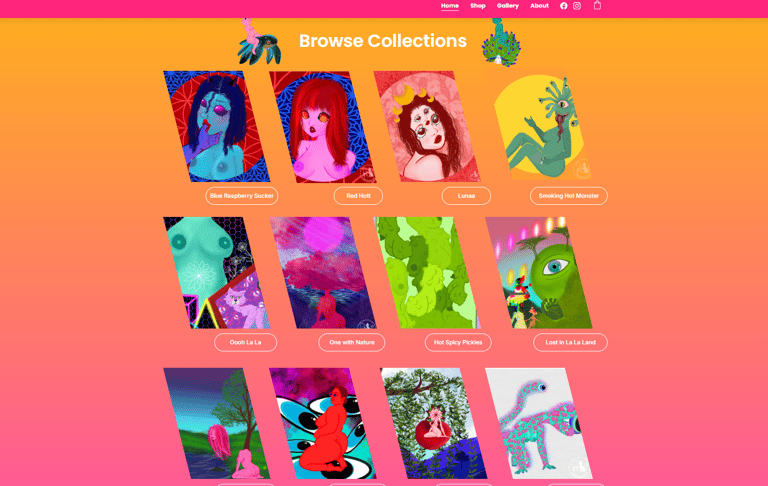
Added Option to Explore by Art Instead of Form
I added a way for users to shop for products based on the art itself. When clicked, it shows all the different product types that feature that art piece
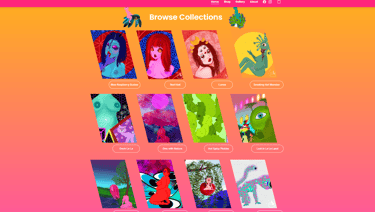
Home Page Created
The artist has a very vibrant style and created a website to go with the branding.
Incorporated PNG files of the artist's work around headings
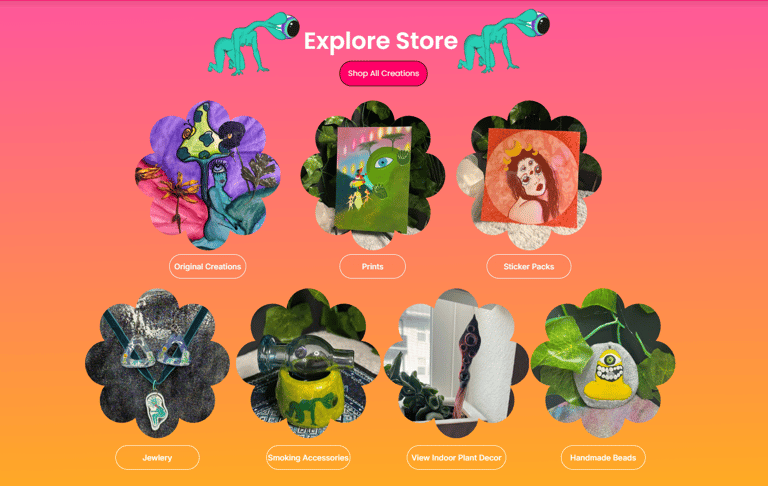
Button to view all products or an option to jump to a specific type of creation for ease of purchase, and to showcase the artist's abilities
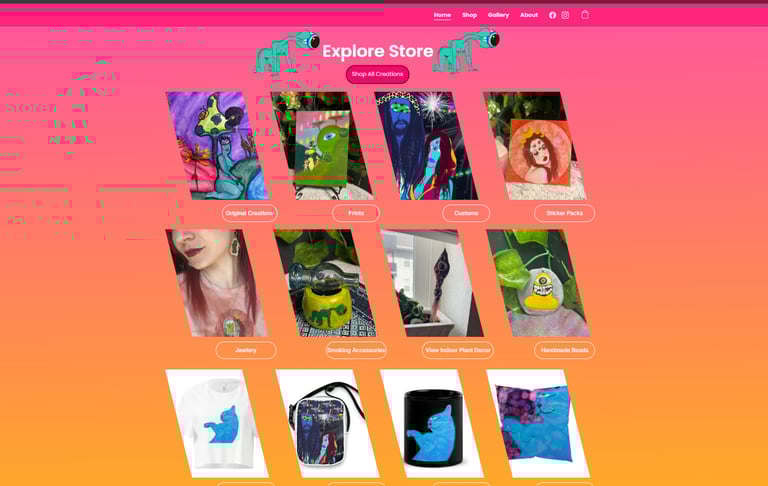
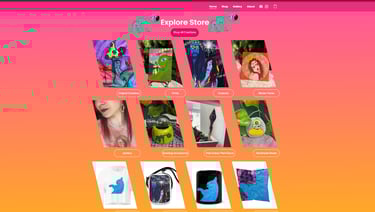
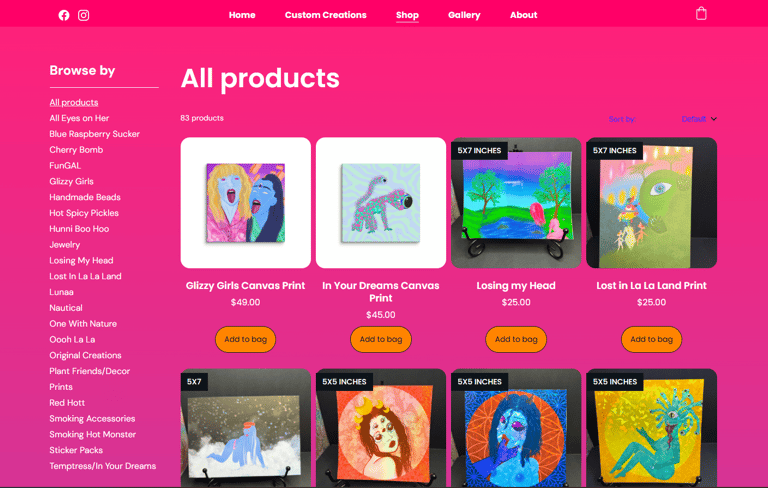
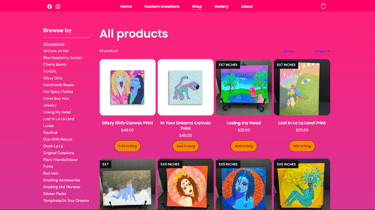
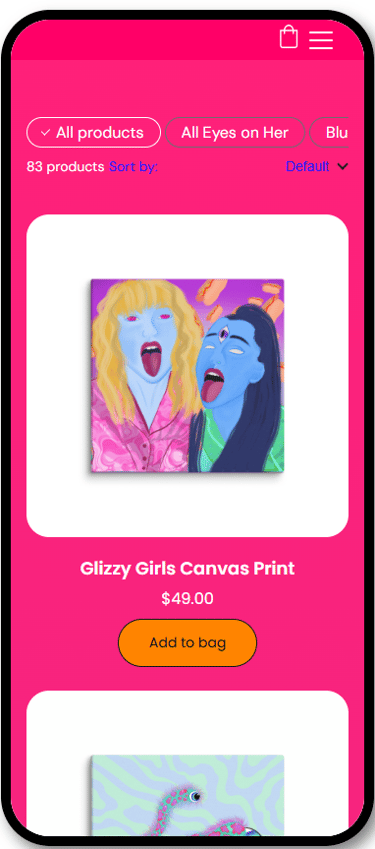
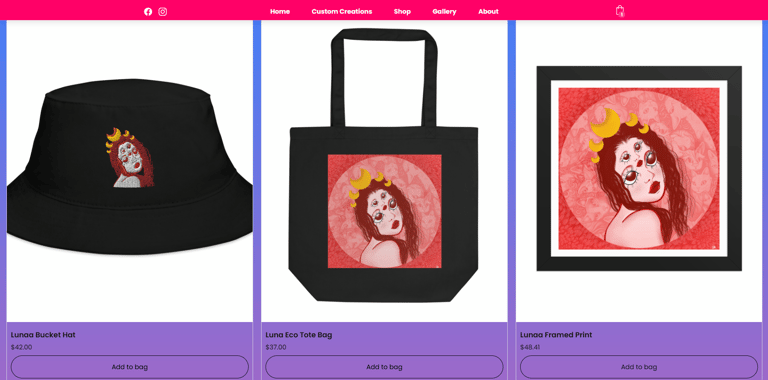
Shop Displays Products in Category
After selecting the type of art or type of creation, you are shown every item in that category.


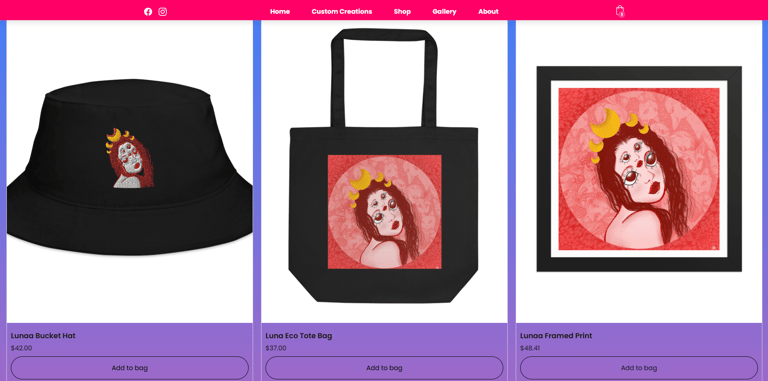

Purchasing Page
After clicking the Add to Bag Button, a pop-up appears with all items in the bag shown for the user to edit quantity or delete items.
When checking out, shoppers will pick their shipping location, review the total, and place payment


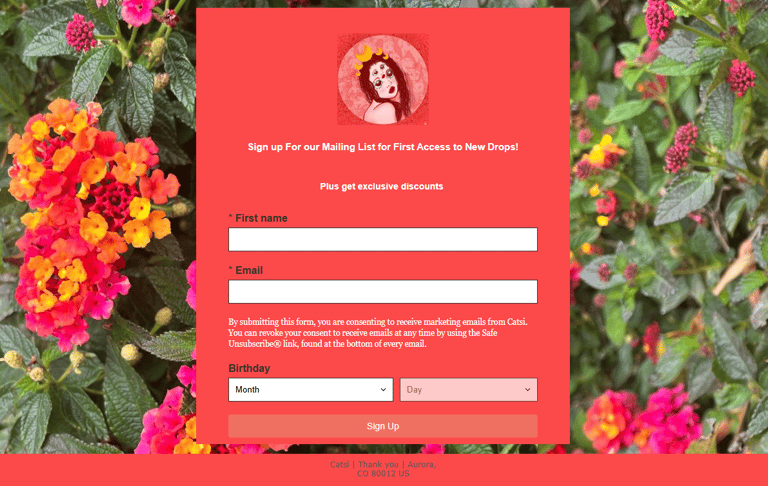
Email Marketing Sign up
The footer of each page displays a button that brings the website user to an email marketing sign-up form.
When users sign up, they automaticallyreceivee an email with a discount code, as well as get notifications of shop updates
Designing and Creating Website
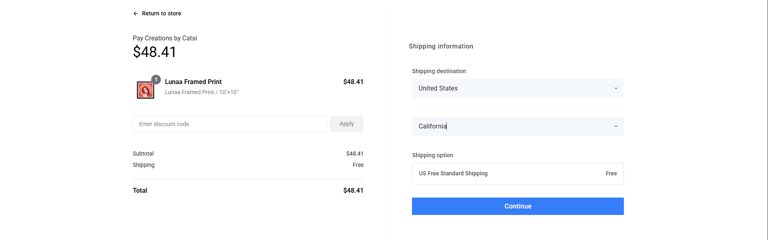
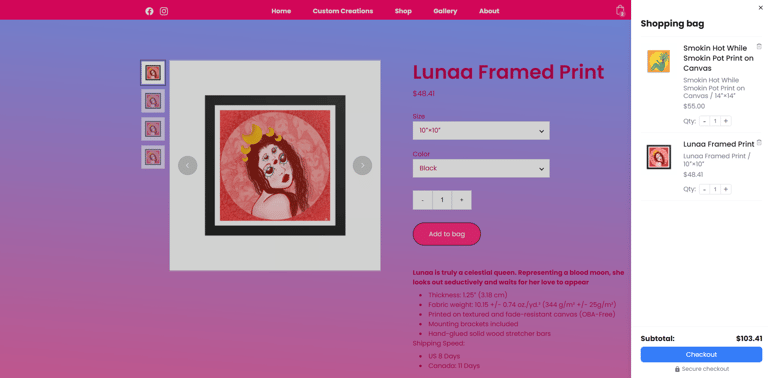
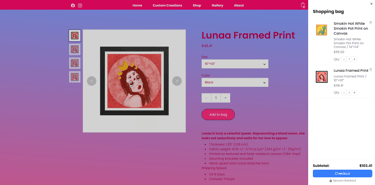
Item Details
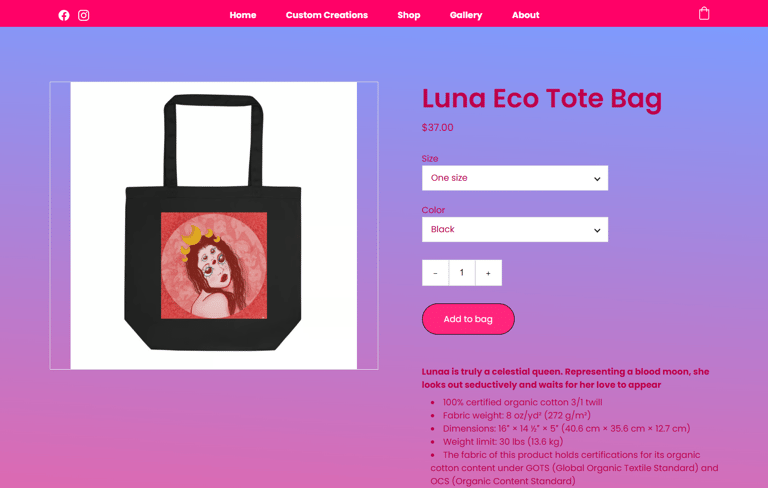
To see the item details, users can click on the item where they are shown variation options, details, and can add the item to their bag
Old Home Page
Displayed Shops Product Type Categories First
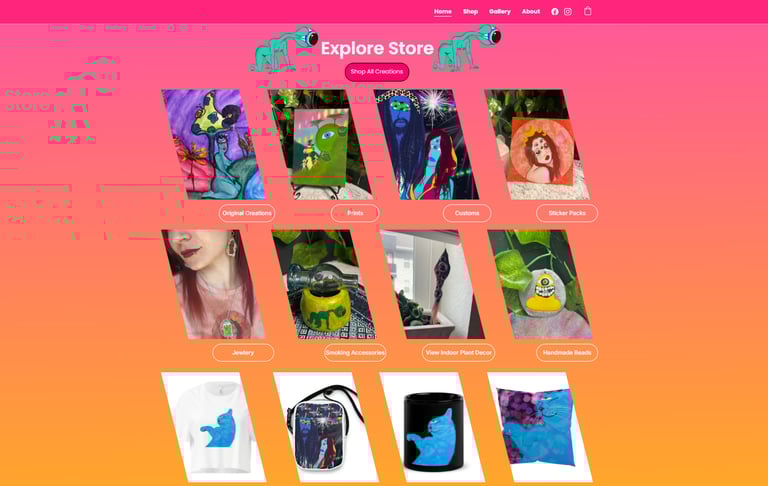
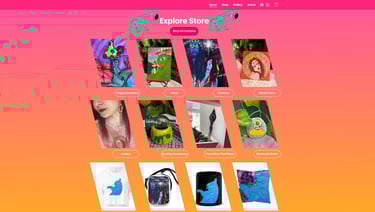
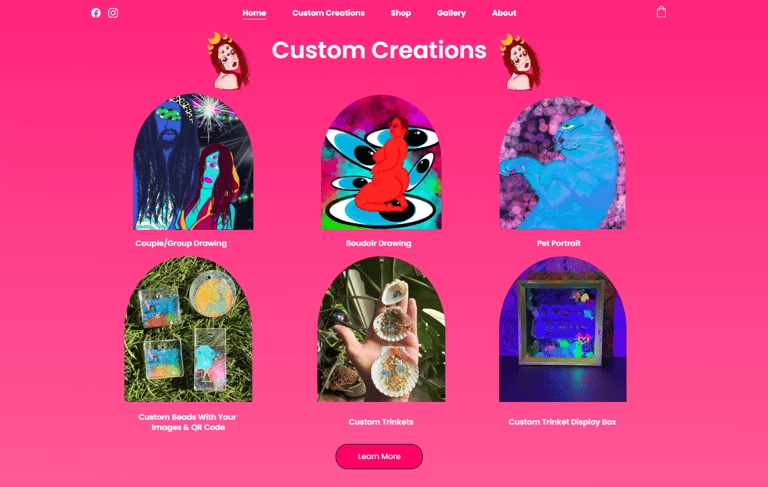
New Home Page
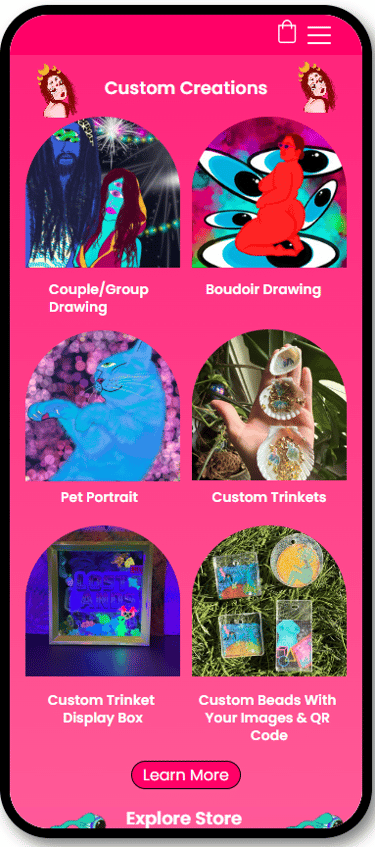
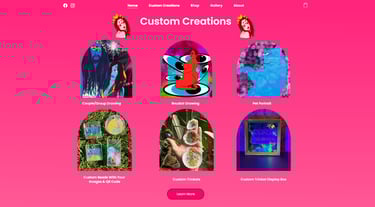
Showcases Custom Creations with a Call to Action Button to engage shoopers to start a conversation about custom-made art pieces

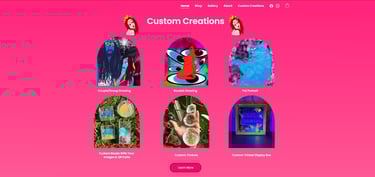
Updated to Drive Custom Creation Sales
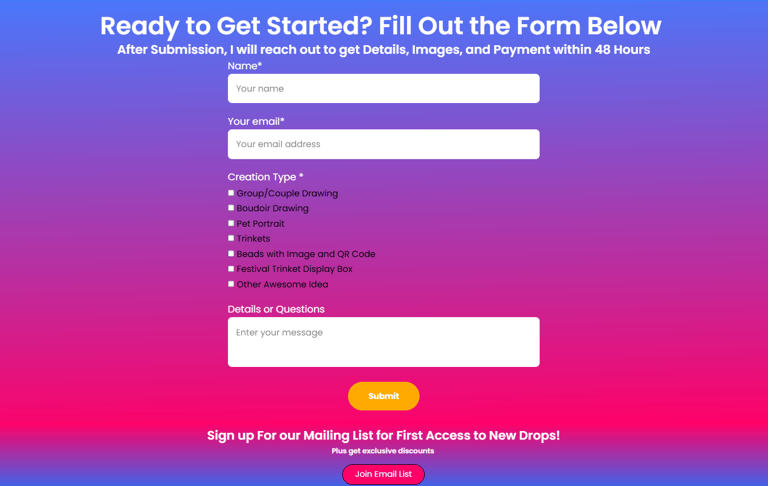
Assisted the Artist with Achieving the Goal of Driving More Custom Creation Sales
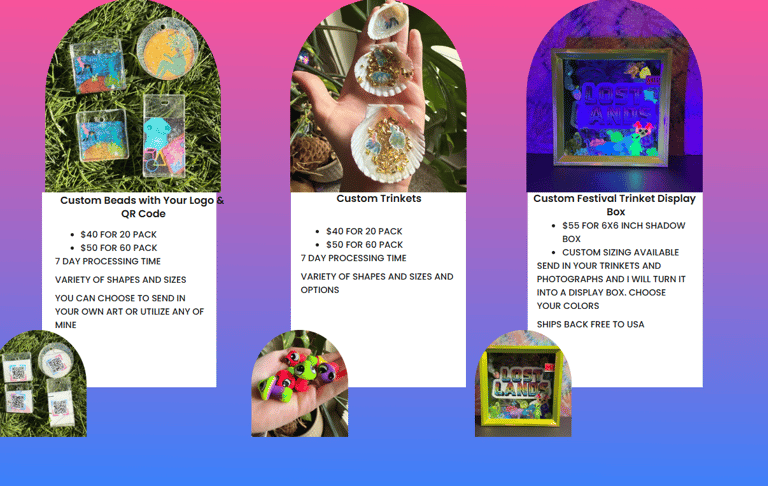
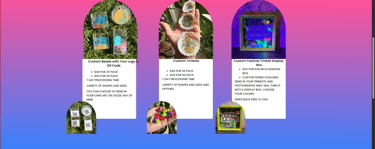
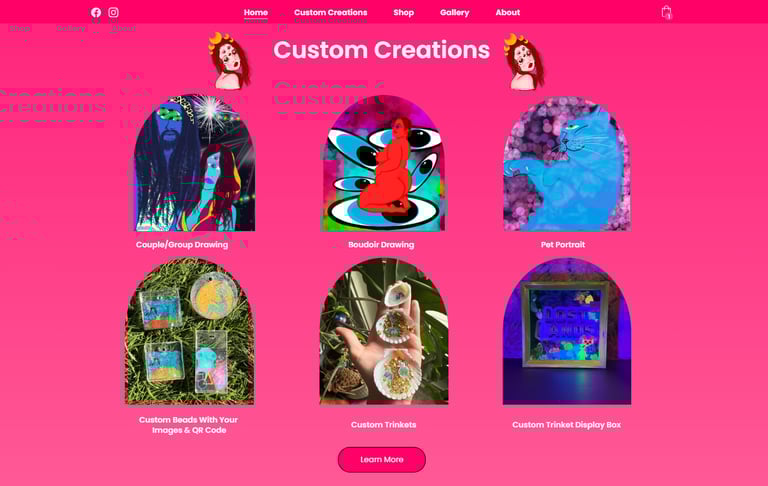
Shows Different types of Custom Creations, Details and Pricing
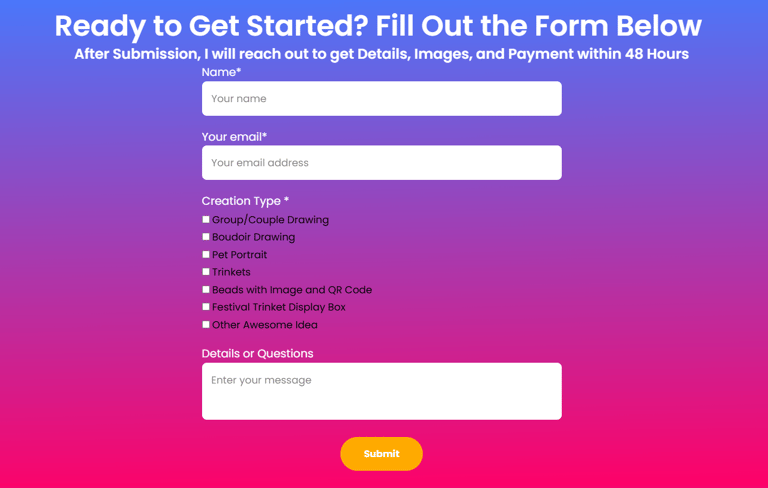
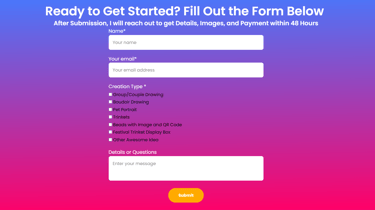
Contact form set up to notify artist to start conversation with potential buyers about their custom request

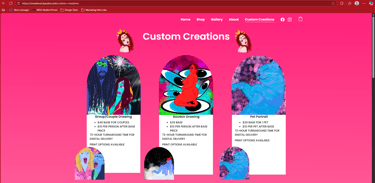
Custom Creations Page
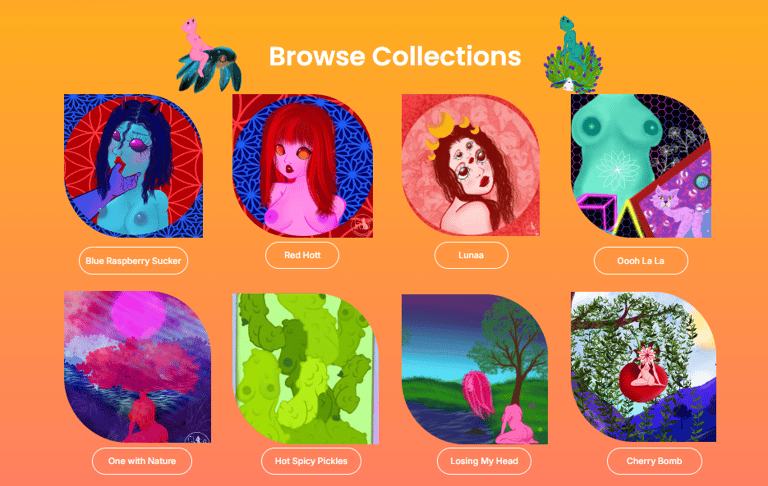
Old Home Screen
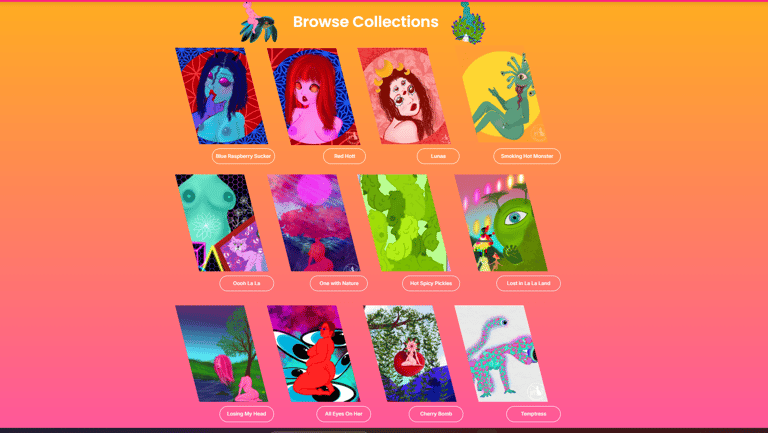
Separated Ways to Browse With Tite Separations

New Home Screen
Separated Ways to Browse Visually with Title Separations and Different-Shaped Icons
Improving Visual Organization


Old Home Page
Equipped with full air conditioning, a private pool, 3 on-suite bedrooms, and a spacious open living room kitchen area, Sunshine Bay Residences is an excellent choice for anyone dreaming of their own safe haven.

New Home Page
Equipped with full air conditioning, a private pool, 3 on-suite bedrooms, and a spacious open living room kitchen area, Sunshine Bay Residences is an excellent choice for anyone dreaming of their own safe haven.

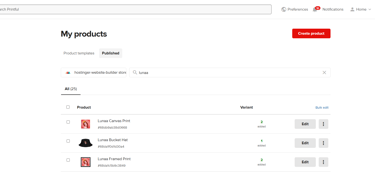
Integrated with Printful
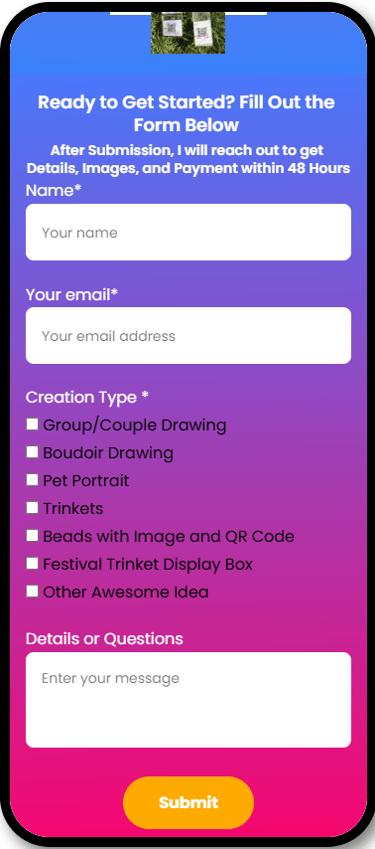
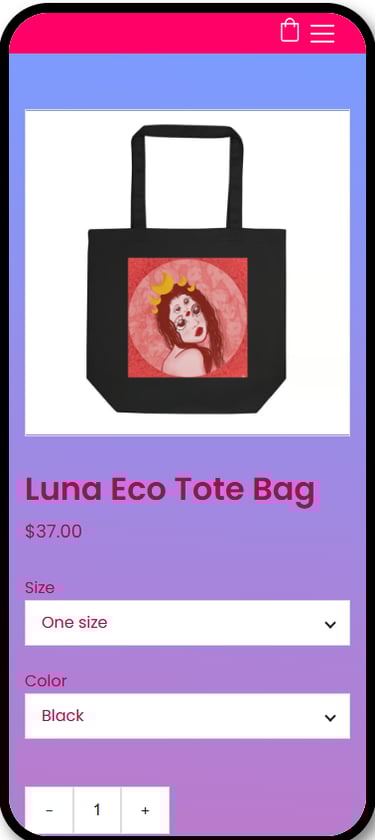
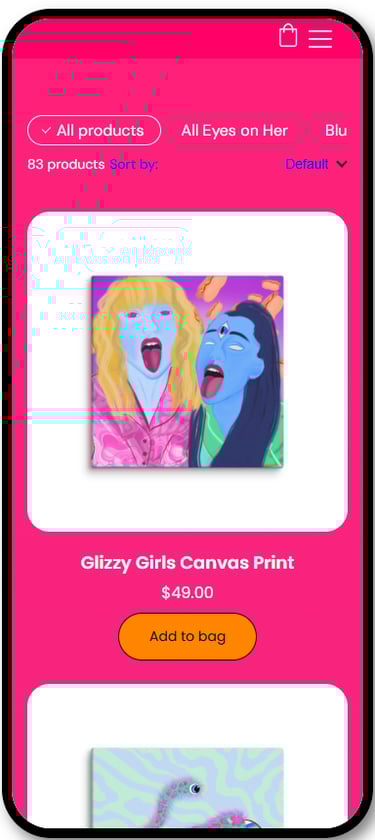
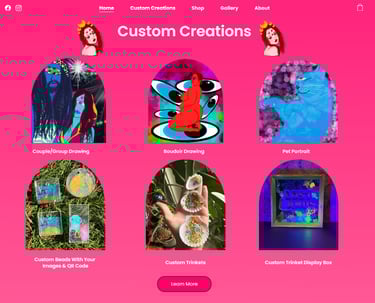
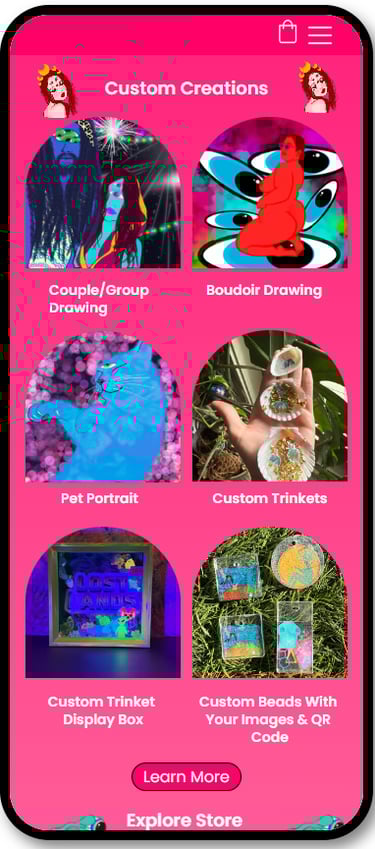
Designed in different formats for both mobile and desktop views
High Contrast between the background and text.
Text is clearly written and easy to understand, with Clear headings to organize the website
Alt Text for Photos
Consistent Navigation Across all Pages
Accessibility Measures Implemented


Responsive Design